
Scan your home.
Design it in 3D.
The AI home planner for iPhone. Map every room, furnish it at true size, see it in AR and share floor plans to scale.
Free for 3 days, then Room Story Pro. For iPhone.
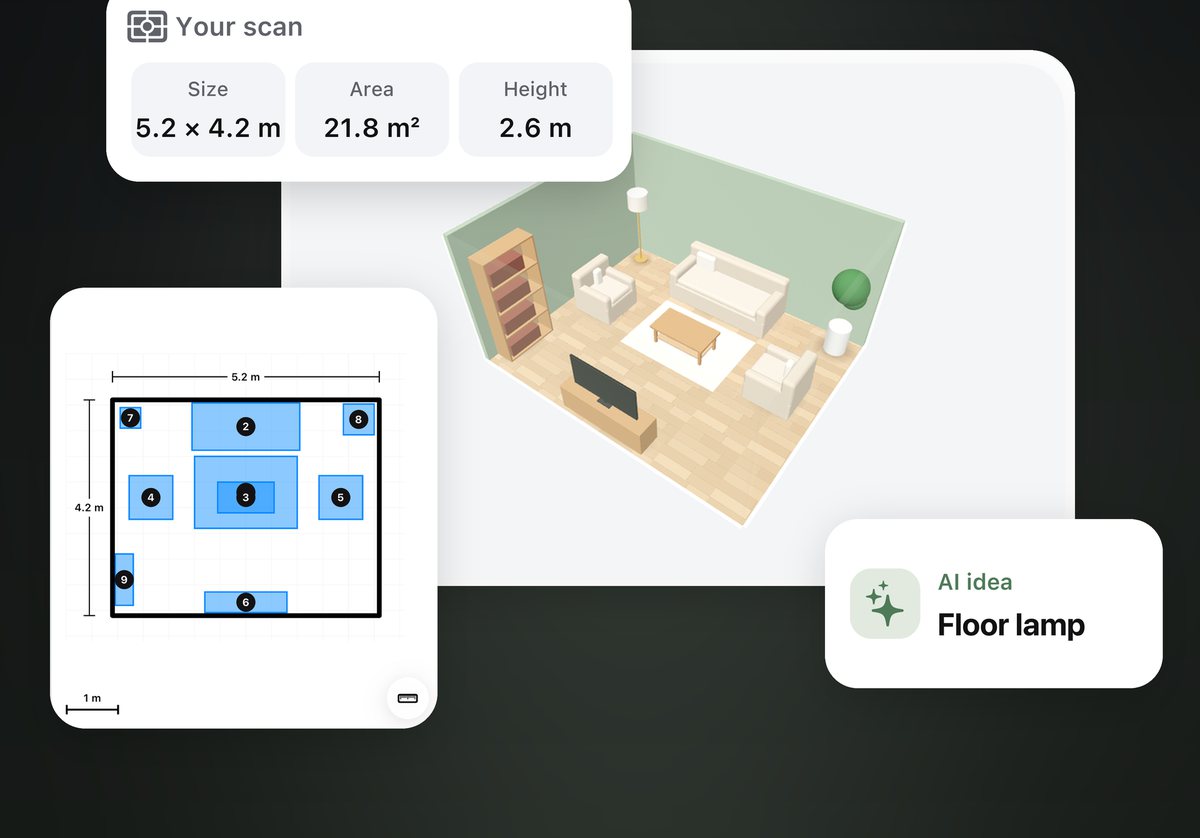
From an empty room to a finished plan
Tap any feature to see how to use it.
Scan a room
Walk round a room and your iPhone measures the walls, doors and windows.
Draw your room
No LiDAR? Draw L-shapes, alcoves and bay windows, with doors and windows.
Design in 3D
Place furniture at its true size, paint the walls and change the floor.
On the walls
Curtains, wall art, mirrors, shelves, wall cabinets and big TVs.
100+ pieces
Sofas, beds, kitchens, bathrooms, gym kit and cars, in your colours.
AI design ideas
Describe a room and Apple Intelligence suggests furniture, on your iPhone.
Restyle a photo
Pick a style and colours and see your room re-imagined with Image Playground.
See it in AR
Place your design in your real room with the camera.
Floor plans to scale
Dimensions, a numbered furniture schedule and a PDF to share.
Whole-home plan
Join your rooms into one home, in 2D and 3D, with a PDF to scale.
Carports and verandas
Open sides, posts and real roof shapes for outdoor spaces.
Private by design
No account, no ads, no tracking. Your home stays on your iPhone.
Three steps to your new room
Capture the room
Scan it with LiDAR, draw its shape, or type its size. Add every room of your home.
Design it in 3D
Add furniture, paint and floors, hang curtains and art, and get ideas from Apple Intelligence.
See it and share it
Walk round it in AR, join rooms into a whole home, and share floor plans as PDFs.
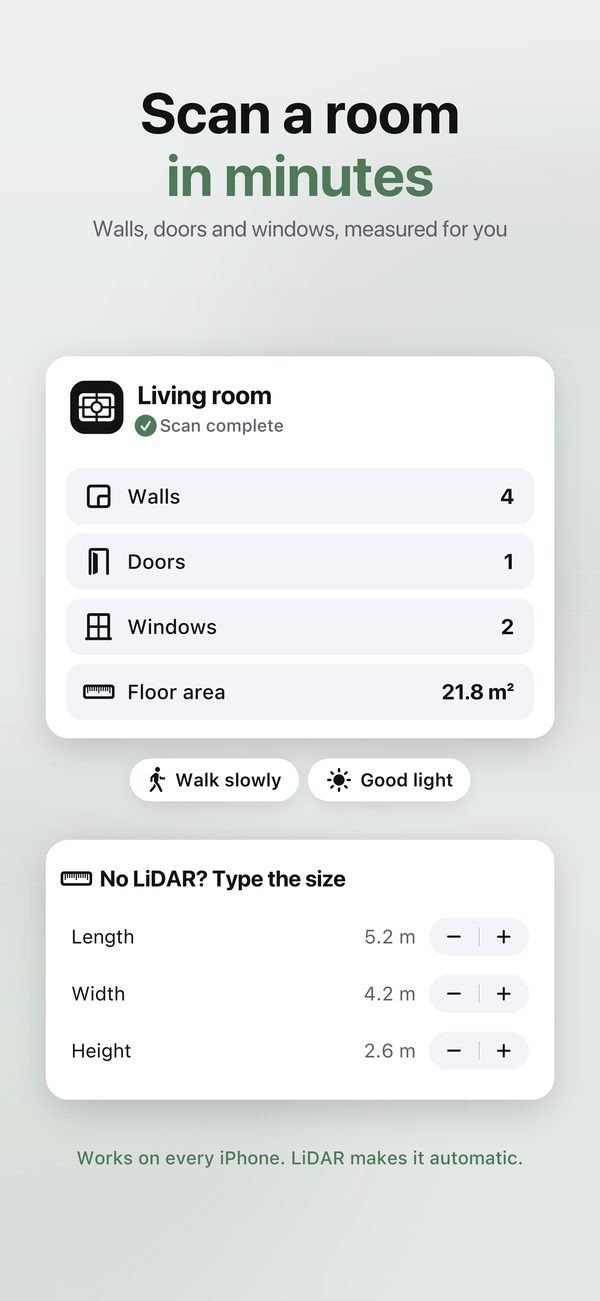
Walk round a room and your iPhone measures the walls, doors and windows.
Point your iPhone at the walls and walk slowly round the room. Room Story uses Apple's RoomPlan to capture its shape and real measurements in minutes.
- Walls, doors and windows, measured for you
- Furniture it finds can be moved, replaced or removed
- Adjust any measurement by hand if a number looks wrong
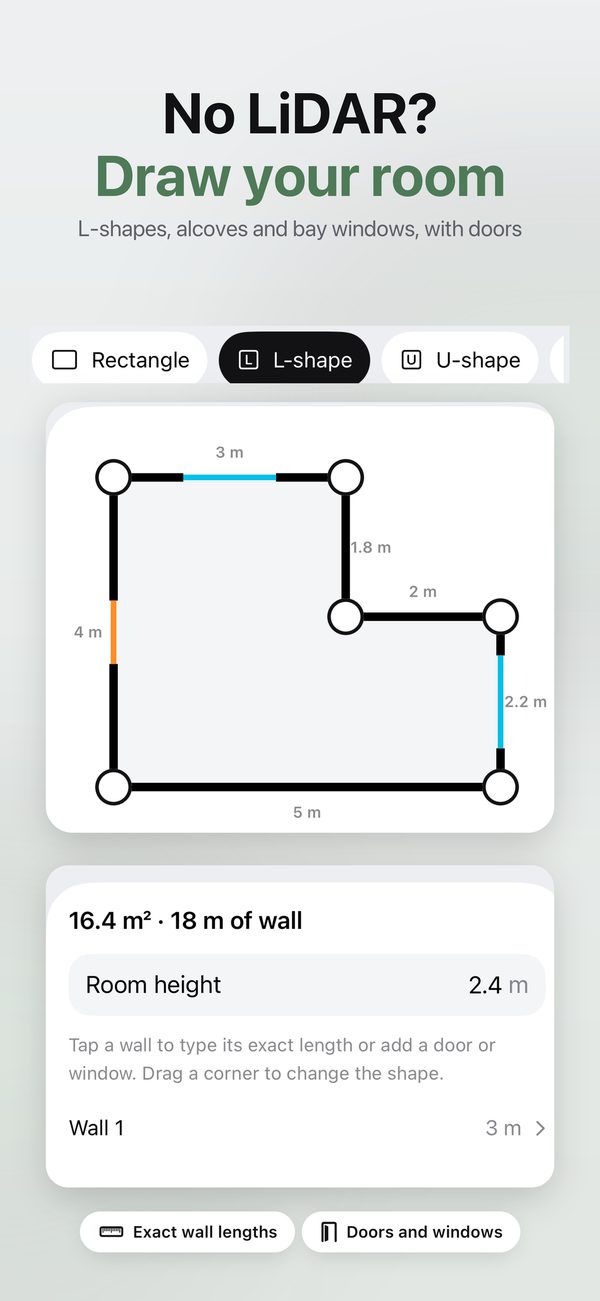
No LiDAR? Draw L-shapes, alcoves and bay windows, with doors and windows.
Every iPhone can map a room's real shape. Start from a template, type exact wall lengths, drag corners and add doors and windows where they really are.
- Rectangle, L-shape, U-shape, angled corner and bay window templates
- Type exact lengths; corners stay square
- Doors and windows with their real width, height and position
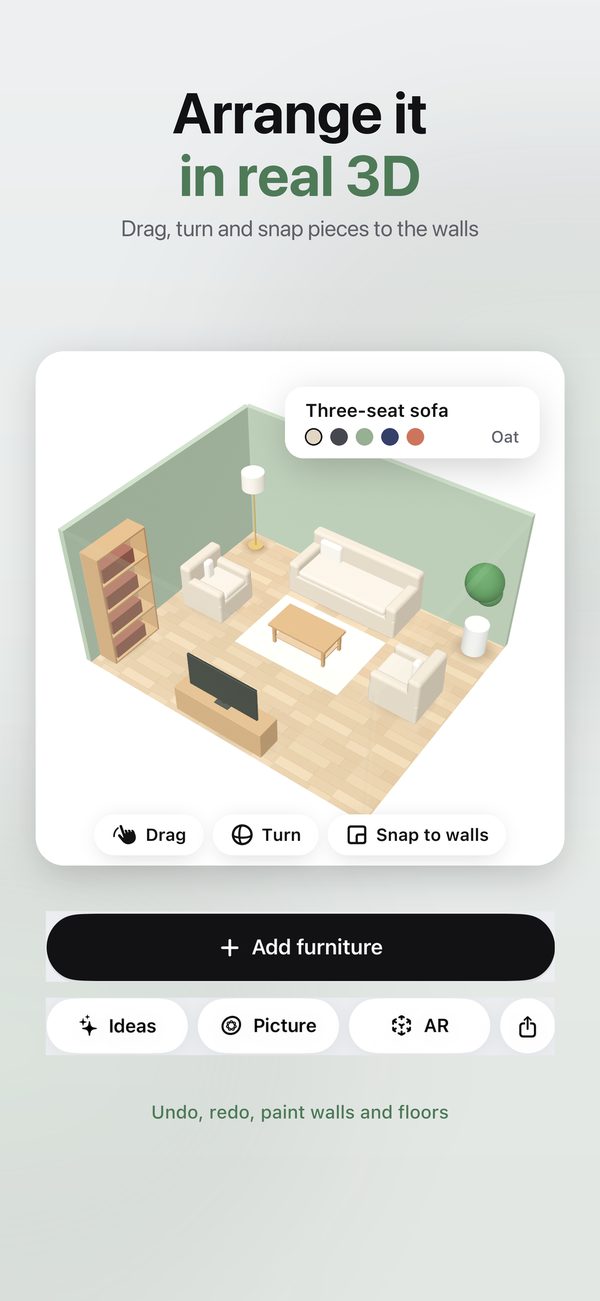
Place furniture at its true size, paint the walls and change the floor.
Furnish the room in real 3D. Every piece is its true size, snaps flush against the walls and turns red if it doesn't fit.
- Drag to move, snap to walls, turn and duplicate
- Paint the walls and choose wood, tile or stone floors
- Undo and redo every change
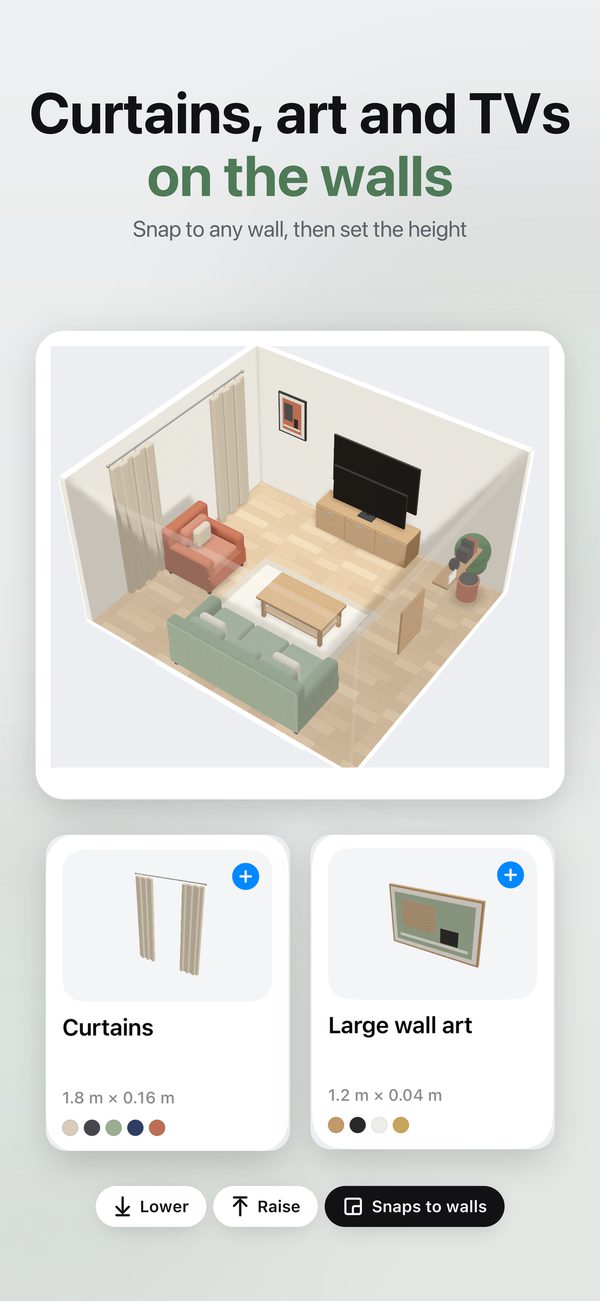
Curtains, wall art, mirrors, shelves, wall cabinets and big TVs.
Hang curtains, art, mirrors, shelves, kitchen wall cabinets and TVs up to 85 inches. They snap flat to any wall and sit at a realistic height.
- Hang at a usual height, then raise or lower in 5 cm steps
- Slide along the walls and turn to face the room at corners
- A TV can hang above a TV unit, a mirror above a basin
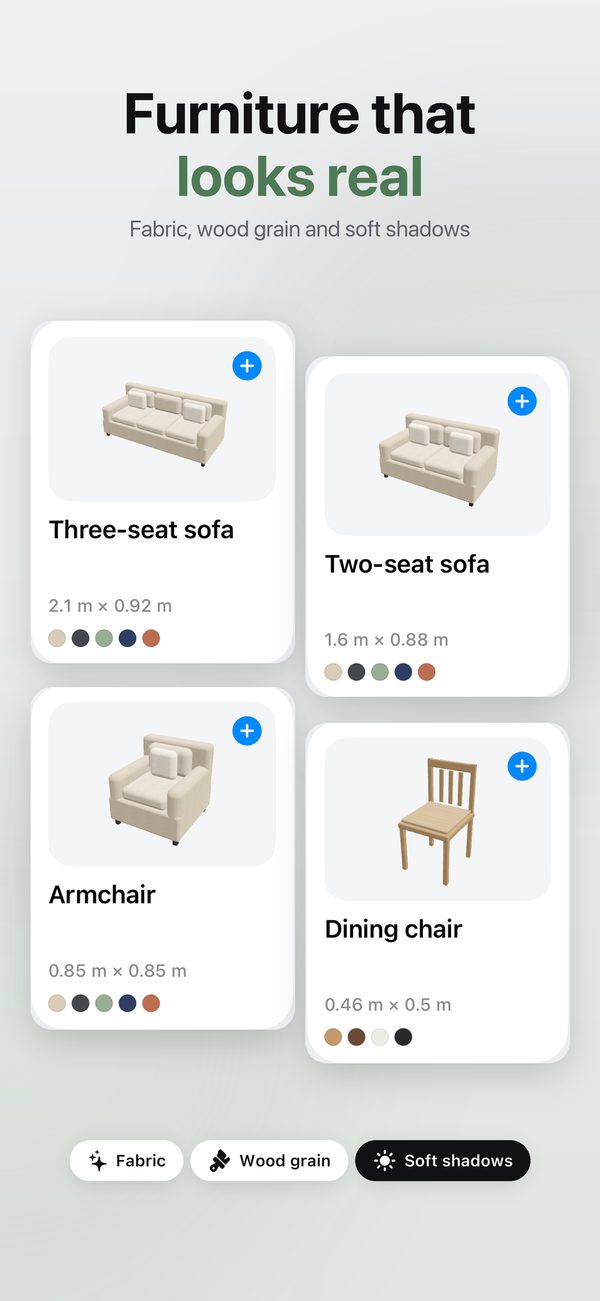
Sofas, beds, kitchens, bathrooms, gym kit and cars, in your colours.
Over 100 pieces with fabric and wood textures and soft shadows: living room, bedroom, dining, kitchen, bathroom, play and fitness, garage, and even cars.
- Pick a colour for every piece
- A full bathroom set: showers, basins, baths, mirrors and towel rails
- Add your own furniture: scan it, type its size or import a 3D file
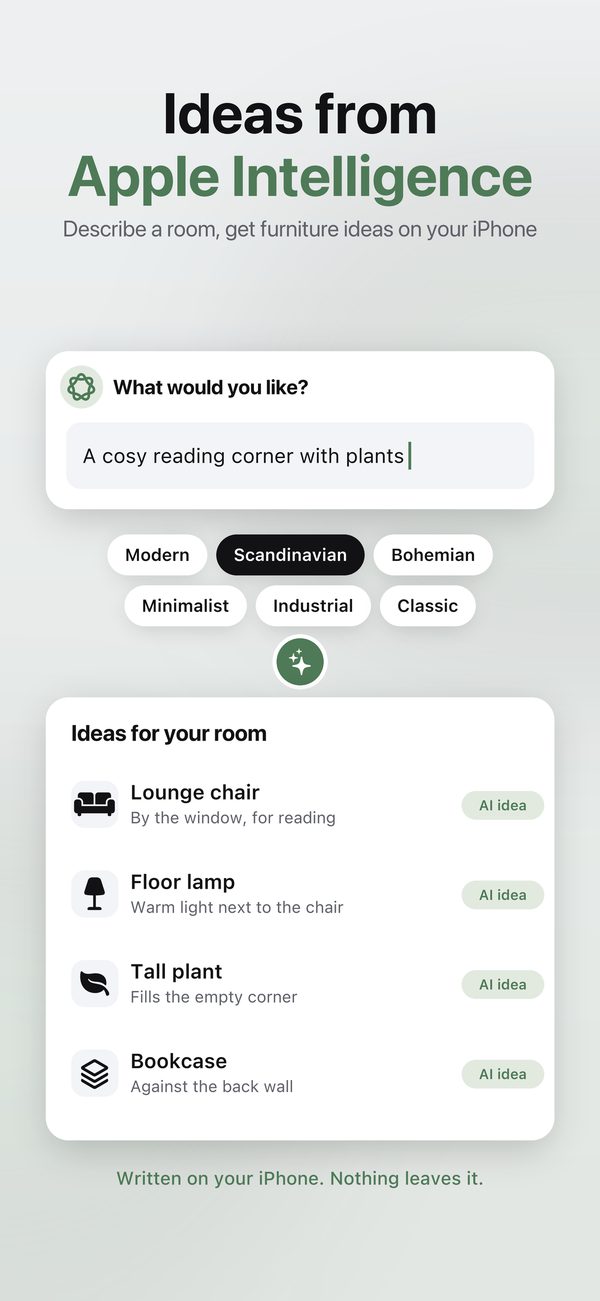
Describe a room and Apple Intelligence suggests furniture, on your iPhone.
Tell Room Story what you'd like, such as "a cosy reading corner with plants", pick a style, and Apple Intelligence suggests pieces that fit your room.
- Written on your iPhone, nothing is sent away
- Ideas are laid out for you and marked "AI idea"
- Keep the ones you like, remove the rest
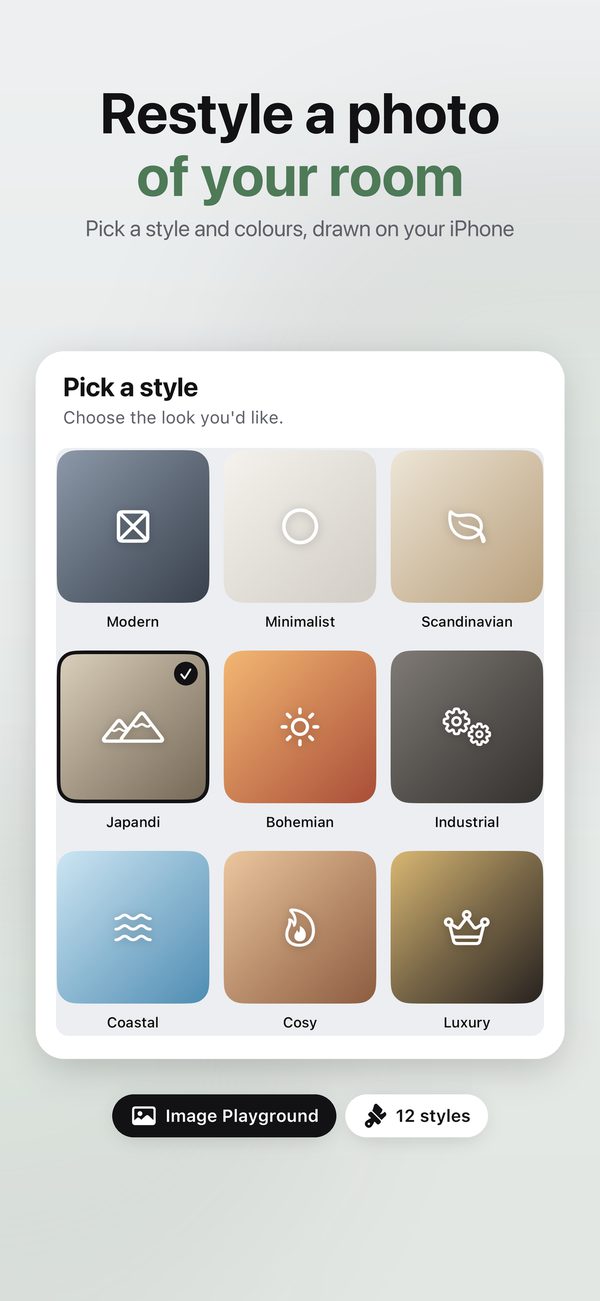
Pick a style and colours and see your room re-imagined with Image Playground.
Take a photo of your room, choose a style such as Japandi or Coastal and a colour palette, and Apple's Image Playground draws a new look on your iPhone.
- 12 styles and colour palettes
- Drawn on your iPhone with Image Playground
- Save or share the result
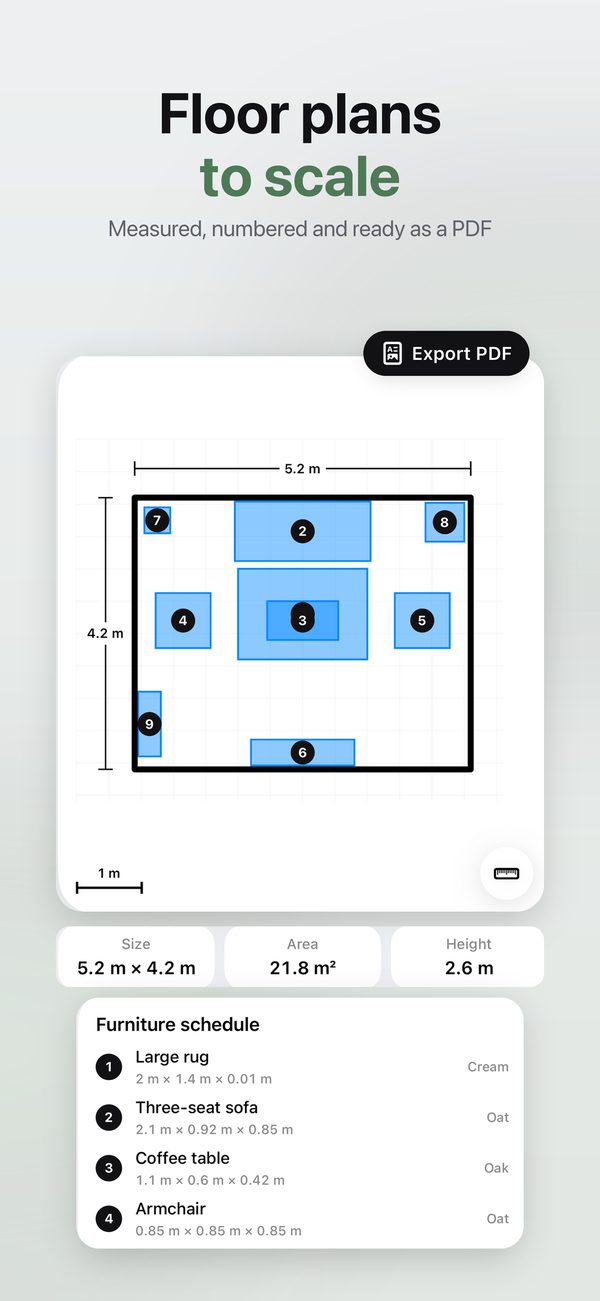
Dimensions, a numbered furniture schedule and a PDF to share.
See any room as a floor plan with its sizes, numbered furniture and walkway checks, and share it as an A4 PDF drawn to a standard scale.
- Layers for dimensions, labels and door swings
- Tap two points to measure between them
- A4 PDF to scale with a furniture schedule
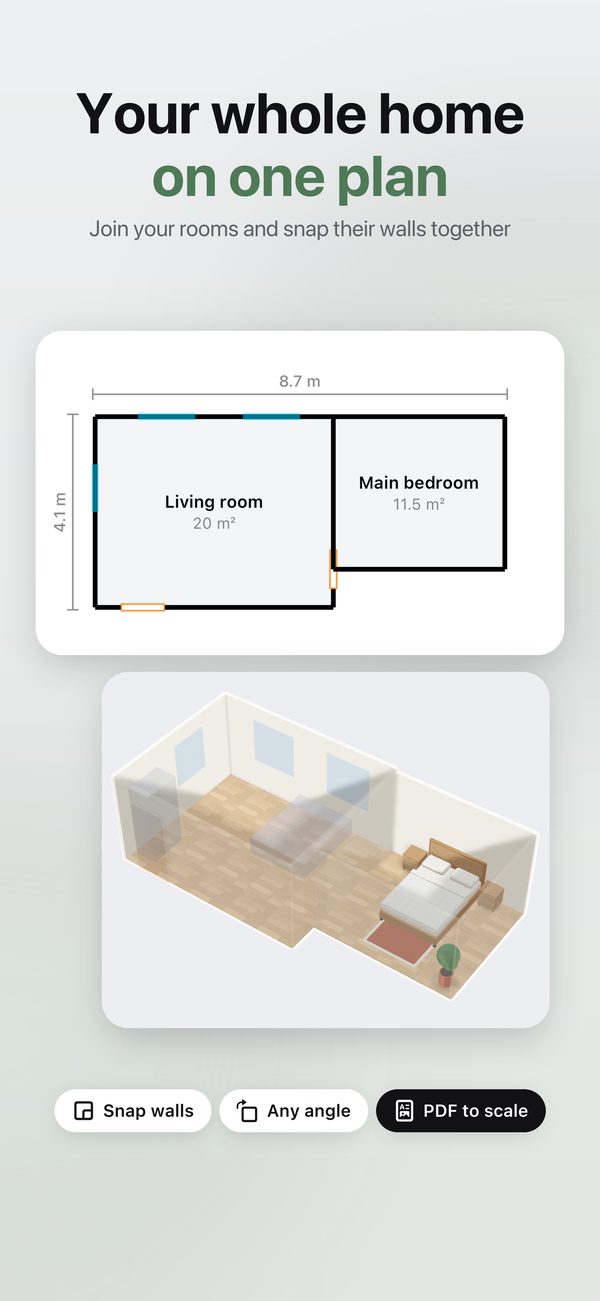
Join your rooms into one home, in 2D and 3D, with a PDF to scale.
Put all the rooms of a project together into one home. Walls snap together where rooms meet, and you can see the whole home in 3D with its furniture.
- Drag rooms; walls snap flush and ends line up
- Turn rooms to any angle, snapping to every 15°
- Total floor area and a whole-home PDF to scale
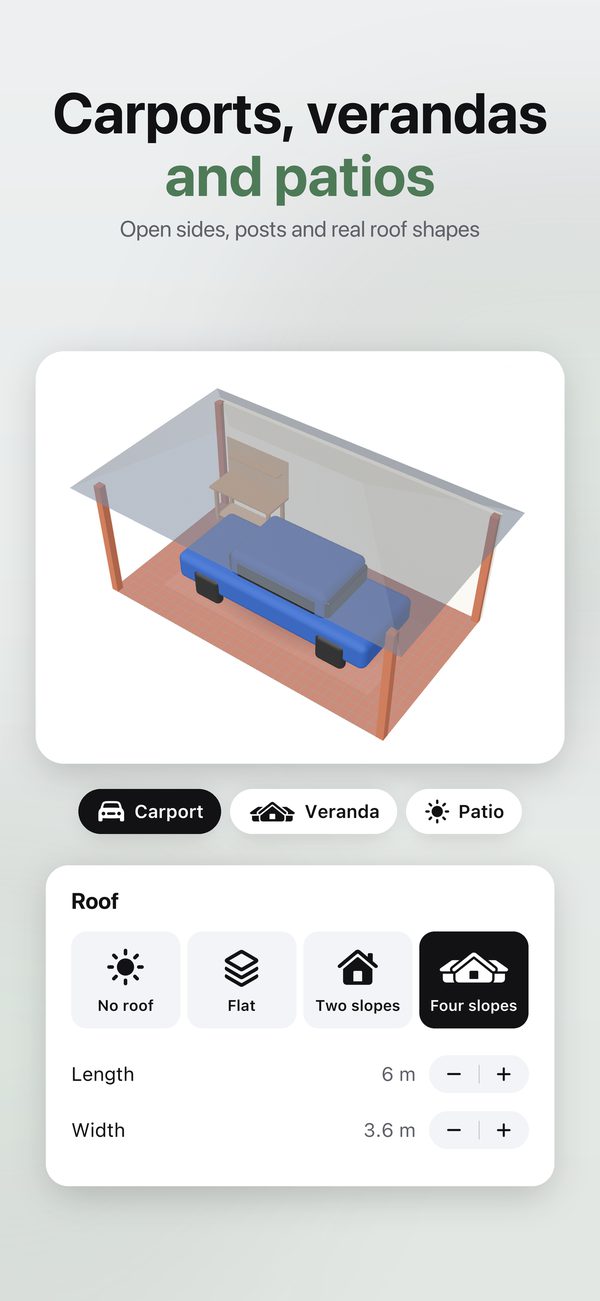
Open sides, posts and real roof shapes for outdoor spaces.
Plan carports, verandas, patios and balconies with open sides, posts and five roof styles, then park a car or set out the garden furniture.
- Carport, veranda, patio and balcony presets
- Choose which sides are open and where posts stand
- Flat, one-slope, two-slope and four-slope roofs
No account, no ads, no tracking. Your home stays on your iPhone.
There's no account to create and nothing to sign in to. Your rooms, scans, photos and designs stay on your iPhone, and AI runs on your iPhone too.
- No account or sign in
- No ads and no tracking
- AI ideas and pictures made on your iPhone
Try everything free for 3 days
Then subscribe monthly or yearly to Room Story Pro. Prices are shown in the App Store in your currency. Cancel any time in your Apple Account settings.
- Unlimited projects and rooms
- The whole catalogue, AR and floor plans
- AI ideas and photo redesigns
- Scan and import your own furniture